Go to your profile settings from the menu.
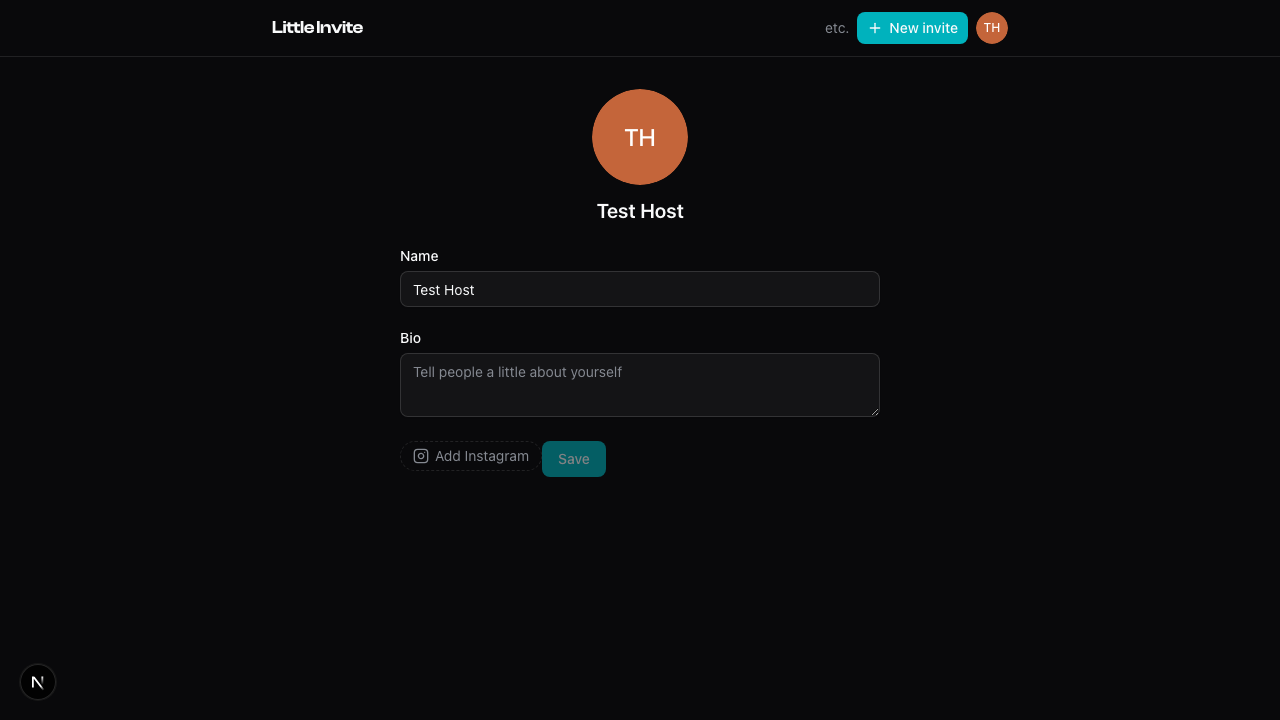
You can set:
- Display name — what people see on guest lists and RSVPs. Required.
- Profile photo — tap your avatar to upload a new one. It shows next to your name everywhere: guest lists, host info, your public profile.
- Bio — a few words about yourself. Optional.
- Instagram — tap "Add Instagram" to link your handle. It shows on your public profile.
Tap Save when you're done. Changes apply everywhere immediately.
See also: Your Public Profile, How RSVPs Work