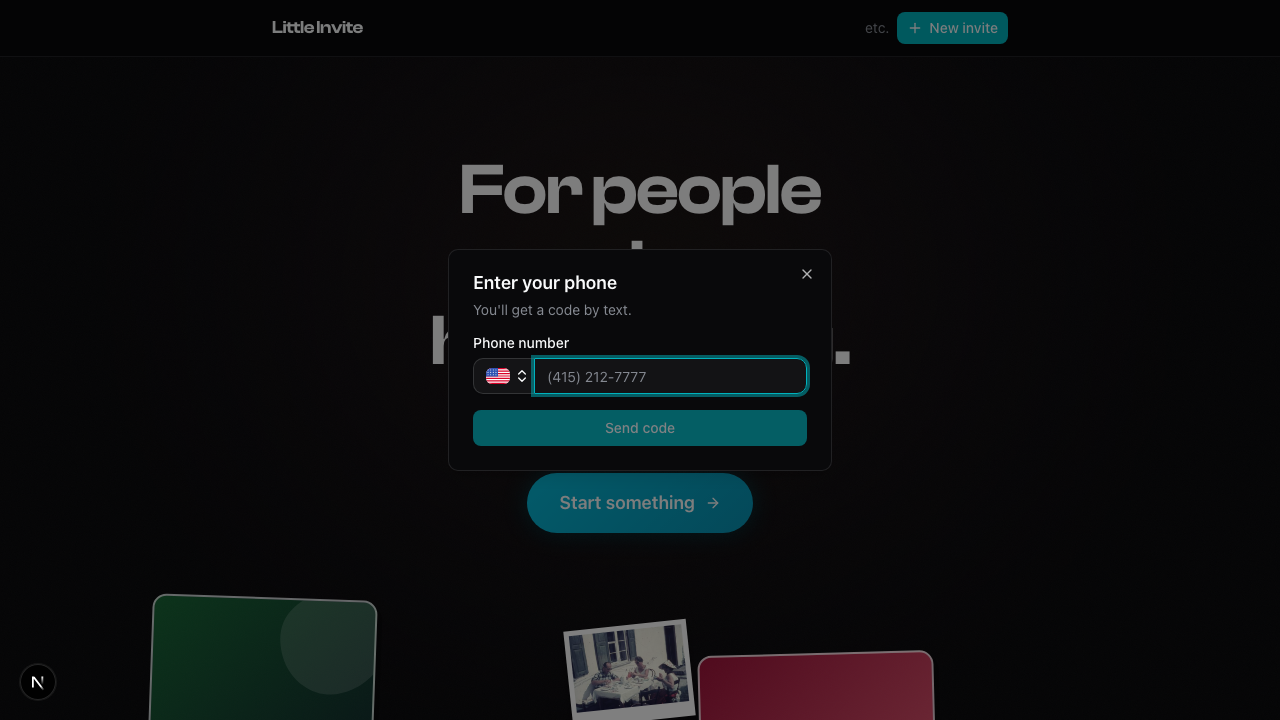
There are no passwords. You sign in with your phone number.
Enter your number, tap "Send code", and enter the 6-digit code that arrives via SMS.
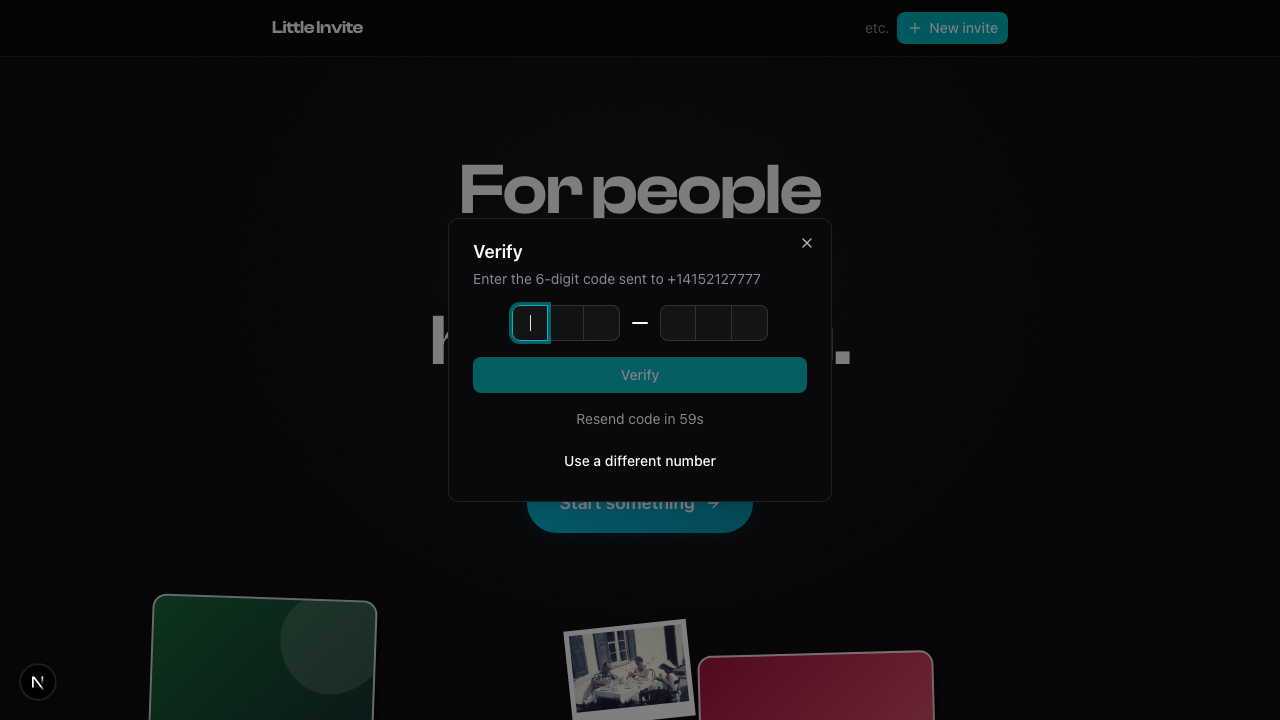
That's it. You're in.
Your phone number is your identity. Every time you sign in, you verify it fresh. No password to remember or reset.
First time? You'll be asked for your name after verifying. This is how you'll show up on guest lists.
You can sign in from the landing page ("Get started") or when you try to do something that requires an account, like RSVPing.
If you're RSVPing to an event, the sign-in flow happens right there in a modal. You don't leave the event page. Once verified, your RSVP goes through automatically (see How RSVPs Work).
See also: How RSVPs Work, Setting Up Your Profile