Below the RSVP buttons, the going count looks something like "3 people going." If you can see the full list and someone is going, avatars for going attendees may appear beside it. Otherwise, it's just the count.
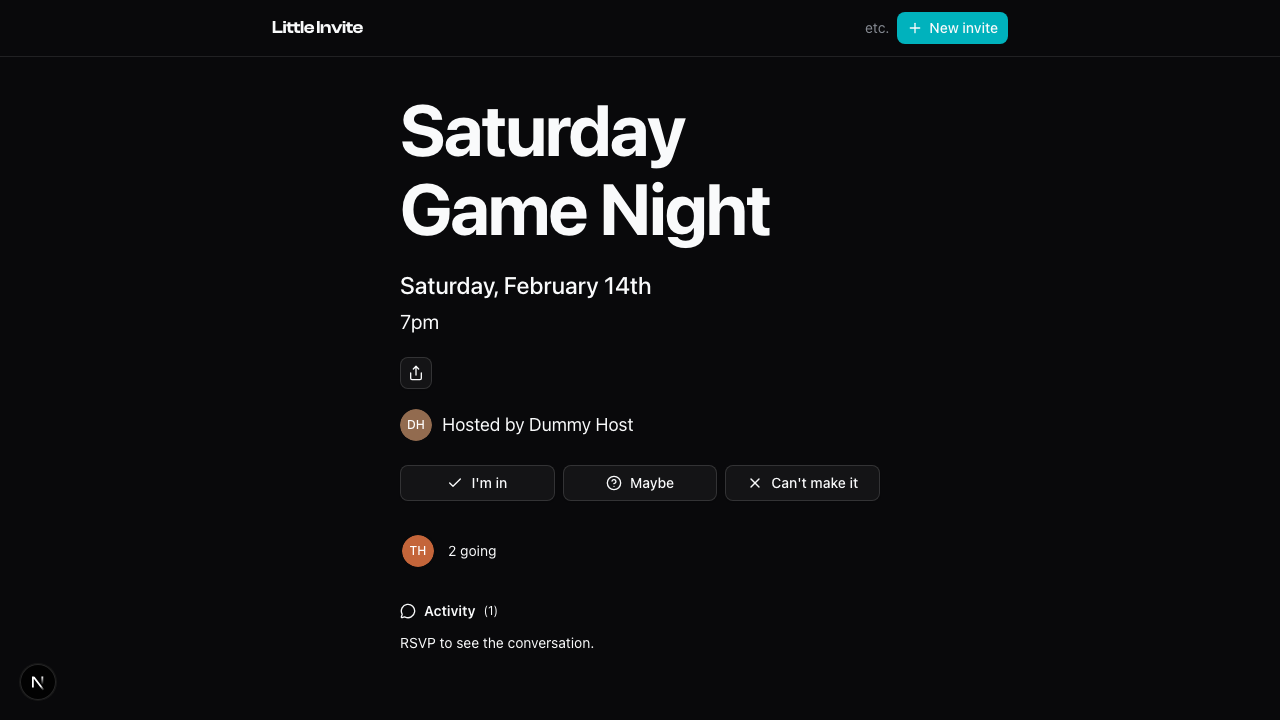
Tap it to open the full list.
What's in the list
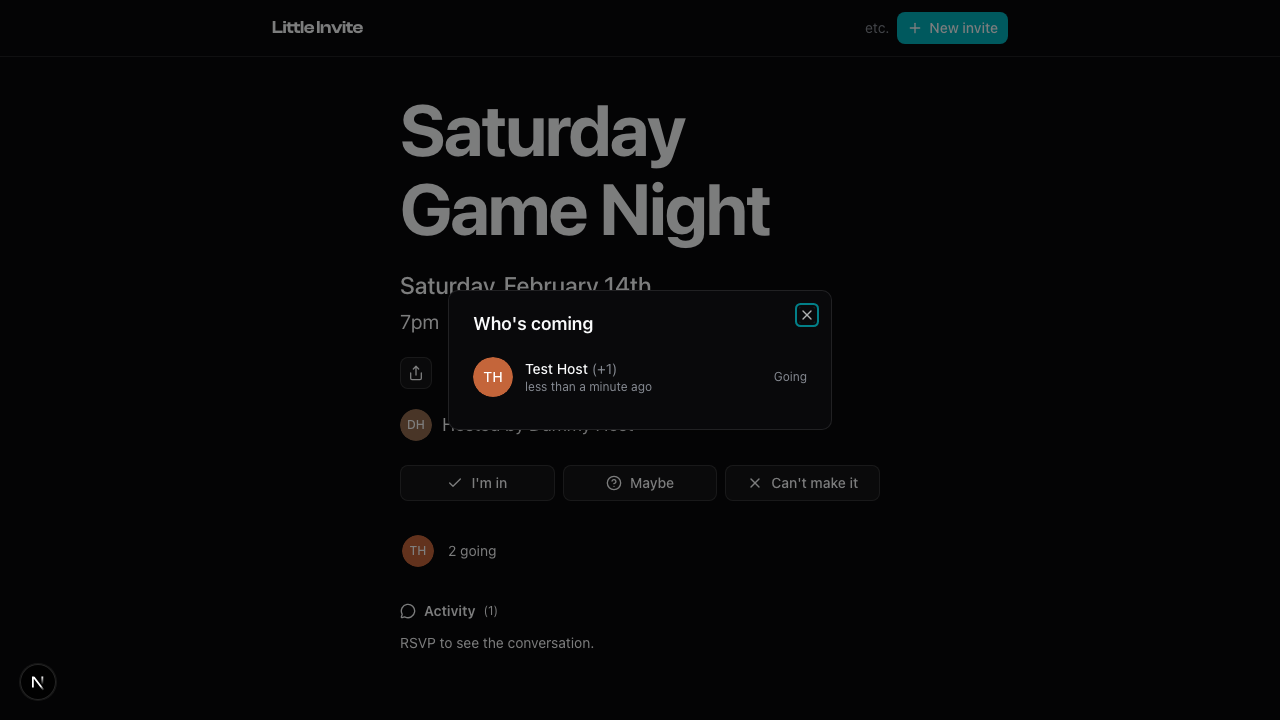
The full list has three tabs: Going, Maybe, and Can't go. Rows with a profile photo and a going RSVP come first, then hosts. Each entry shows:
- Name and avatar
- RSVP status
- When they responded
If someone brought plus-ones, you'll see +N next to their name.
Profile photos show for people marked going. Everyone else gets initials.
Guests with a profile have a clickable name that links to their public profile. A small thing, but it helps people connect.
Who can see it
The number of people going is visible on the event page. Names stay between the host and people who said they're going or maybe.
If you're not the host and haven't RSVP'd yet, tap the count and you'll see: "RSVP to see who's in." People who said they can't make it see the same count-only view. Once you pick going or maybe, the full list opens up.
Empty state
If you have neither a visible going count nor visible guest rows, the guest-list control stays hidden. An empty tab says "No one is going yet," "No maybe RSVPs yet," or "No one has declined yet."
Related: How RSVPs Work, Plus Ones, Sharing Your Event