Sometimes people want to bring someone. A partner, a friend, a roommate who's bored. You can let them.
Turning it on
In the event editor, scroll to the settings section and check Allow +1s. Set a max per guest — anywhere from 1 to 10. The default is 2.
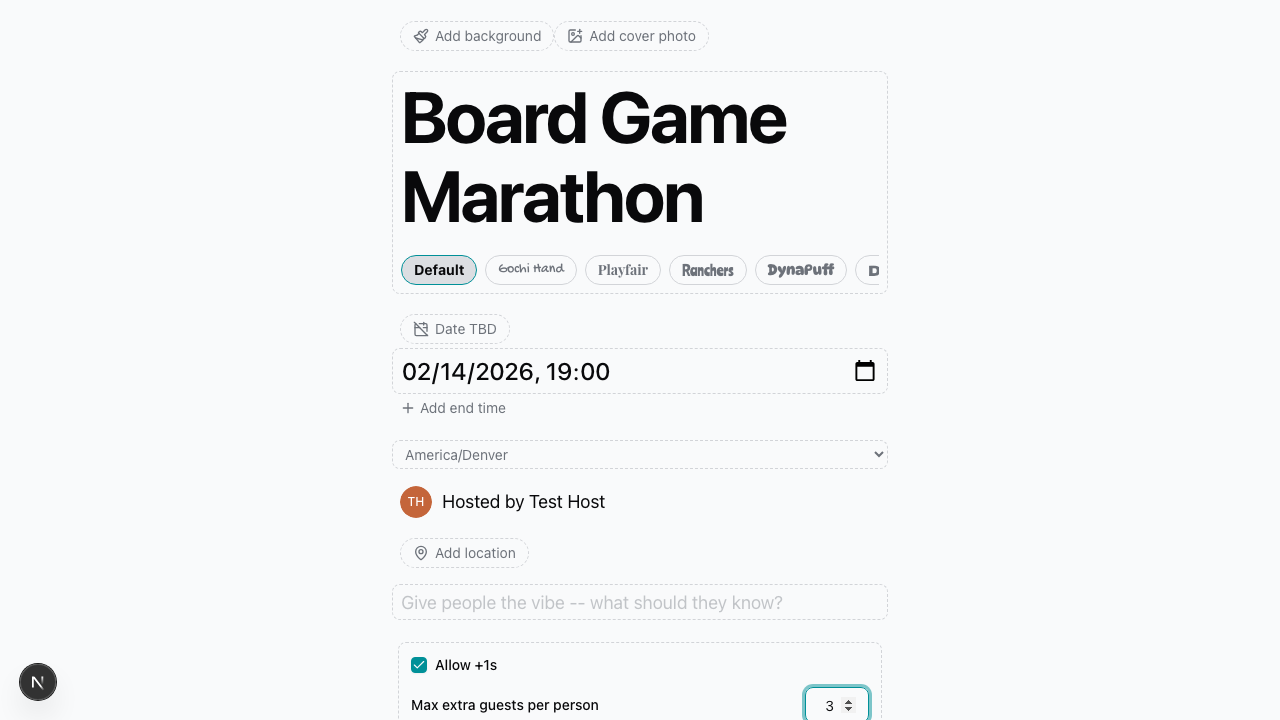
That's all the setup there is.
How it works for guests
When a guest RSVPs as going, a stepper appears asking how many extra people they're bringing. The - and + buttons let them pick a number, up to whatever max you set.
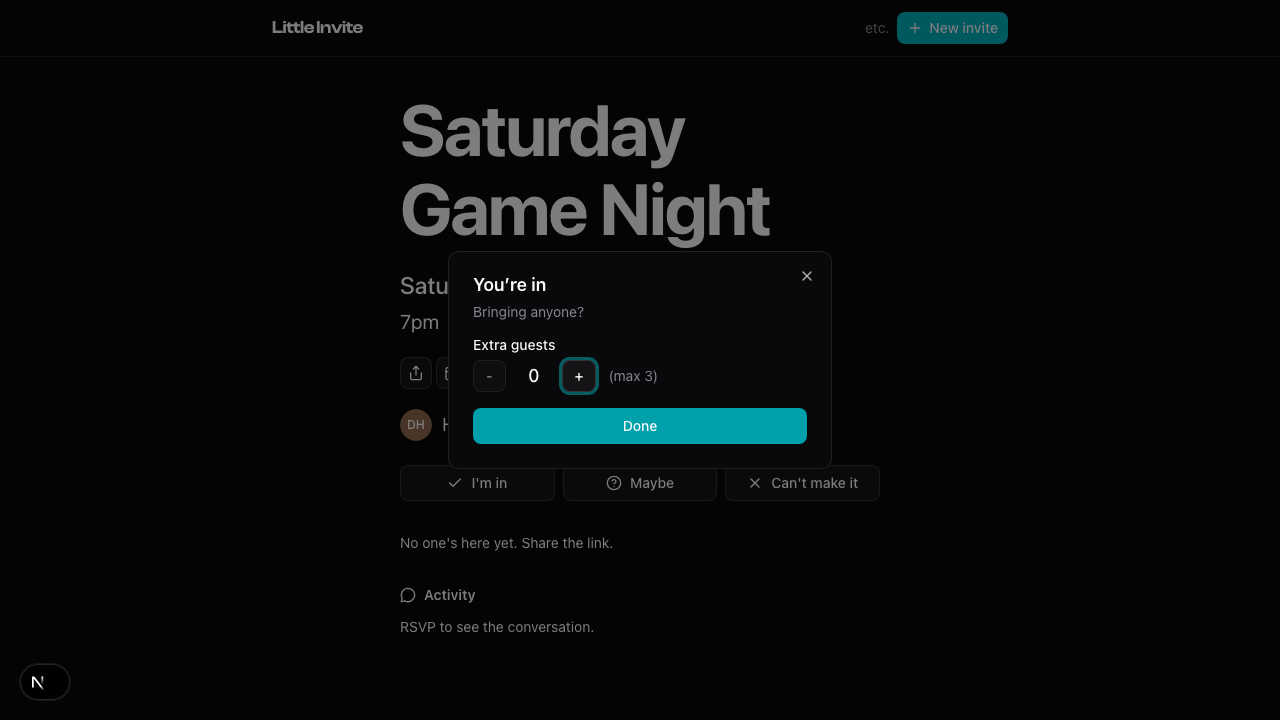
If they RSVP as maybe or decline, the plus-ones step is skipped. No point asking.
How the numbers work
RSVP counts include plus-ones. If someone RSVPs with +2, the "going" count goes up by 3 — them plus their two guests.
On the guest list, you'll see a +N indicator next to anyone who brought extras. So you know who's responsible for the crowd.
Turning it off
Uncheck Allow +1s in the editor and save. Existing plus-ones will stay in place, but new RSVPs won't offer the option.
Related: How RSVPs Work, Your Guest List, Editing Event Details