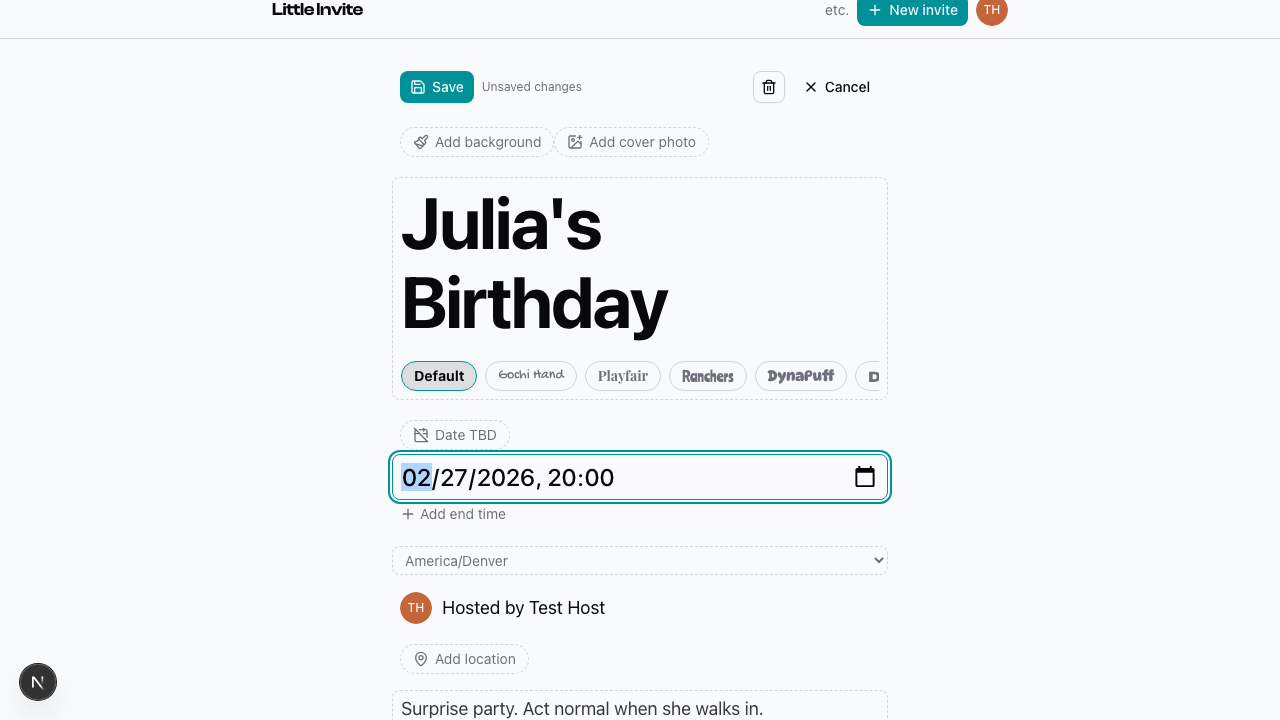
From your event page, tap Edit to open the inline editor. Everything you see on the page is editable — title, date and time, description.
The editor shows an "Unsaved changes" indicator when you've made edits. Tap Save to apply your changes. The page updates right away.
If you change the title, the URL slug updates automatically to match. No broken links to worry about.
You can always come back and edit later — even after you've published and shared the event.
End time
By default, events just have a start time. Tap Add end time to show a second time picker. Useful for longer gatherings where people want to know the window.
Timezone
A dropdown below the date lets you pick the right timezone for your event. This matters when your guests are spread across different places. The time displays correctly for everyone.
See also: Adding a Cover Photo, Setting a Location, Creating an Event