In the editor, tap Add location to open the location picker.
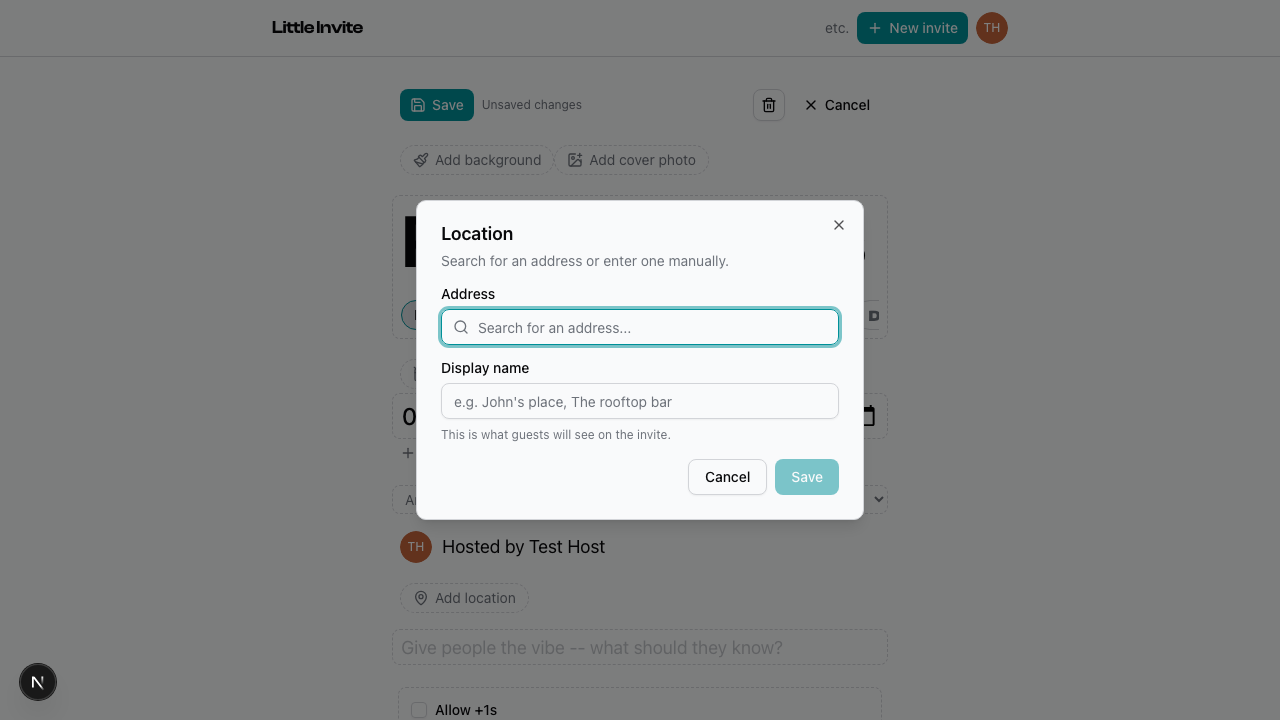
Search for an address. Results come from Google Maps. Tap a result to select it — the address and coordinates are saved automatically.
Display name
This is what guests see on the invite. It auto-fills from the search result, but you can change it to something more useful. "Sarah's apartment" instead of "742 Evergreen Terrace, Springfield."
Guests see the display name on the event page. If the full address is different, it shows in a tooltip on hover. Tapping the location opens it in Google Maps.
Removing a location
Tap the X next to the location pill in the editor.
See also: Editing Event Details, Creating an Event