Publishing Your Event
New events start as drafts. They're yours alone. No one else can see them, and nothing is live yet.
When you're ready for people, tap Publish in the editor.
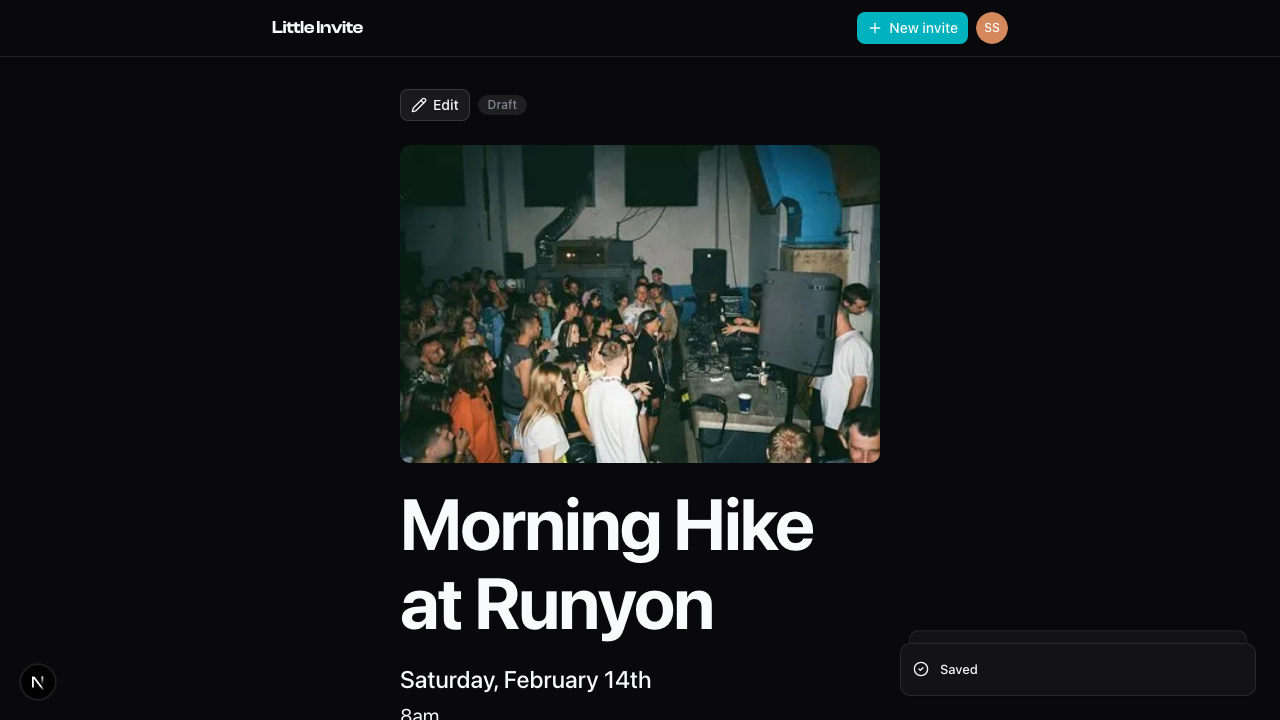
What changes when you publish
A few things happen at once.
- RSVPs open up. Guests can now respond to your invite.
- Your share link goes live. Anyone with the link can view the event and RSVP.
- Reminders get scheduled. Automatic reminders will go out to guests as the date approaches.
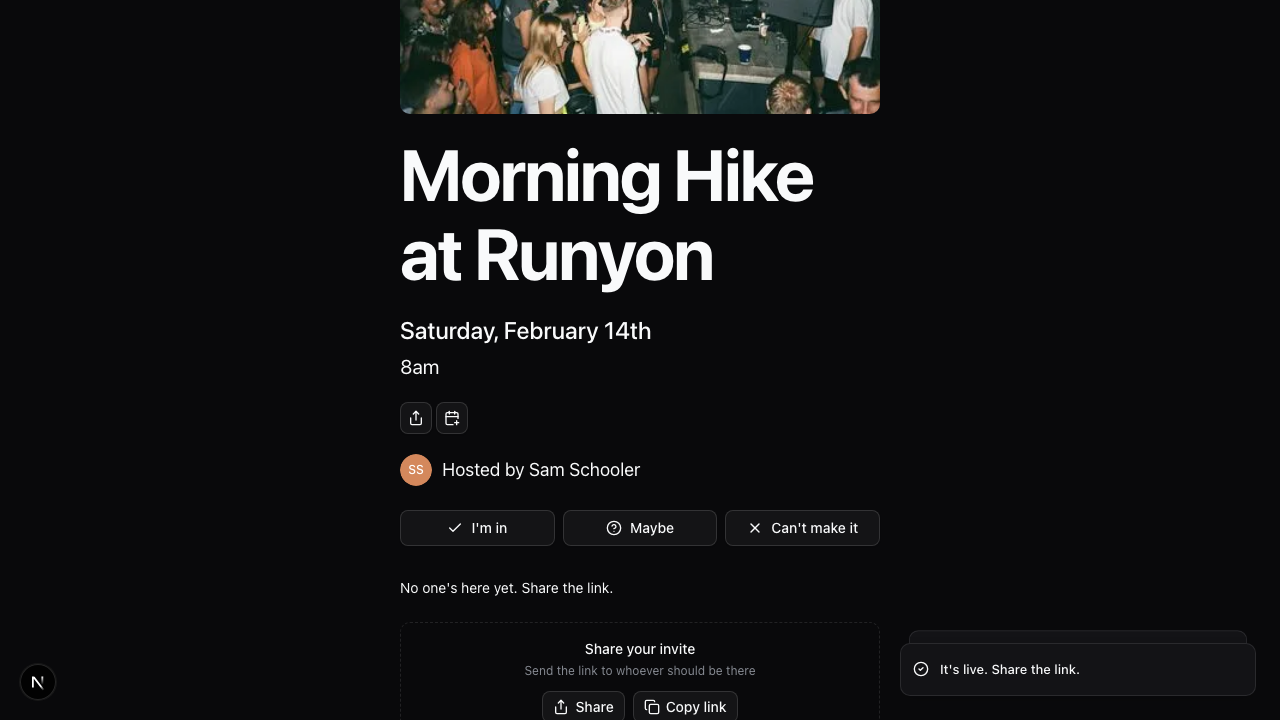
What stays the same
You can still edit everything after publishing. Title, time, description, cover photo — all of it. Changes show up right away.
If someone finds the link early
It happens. If a guest stumbles on the link while your event is still a draft, they'll see a message letting them know it's not ready yet. No broken pages, no confusion.
Next steps
Once you're live, the next move is getting the link out there. See Sharing Your Event for how to do that.
Want to message your guests directly? That's covered in Sending a Message.